← Back to the blogFootball cameras
How to record football matches with your phone
How to record football matches with your phone: where to film from, which settings and accessories help, and how to use the footage for analysis.
Contents3 sections
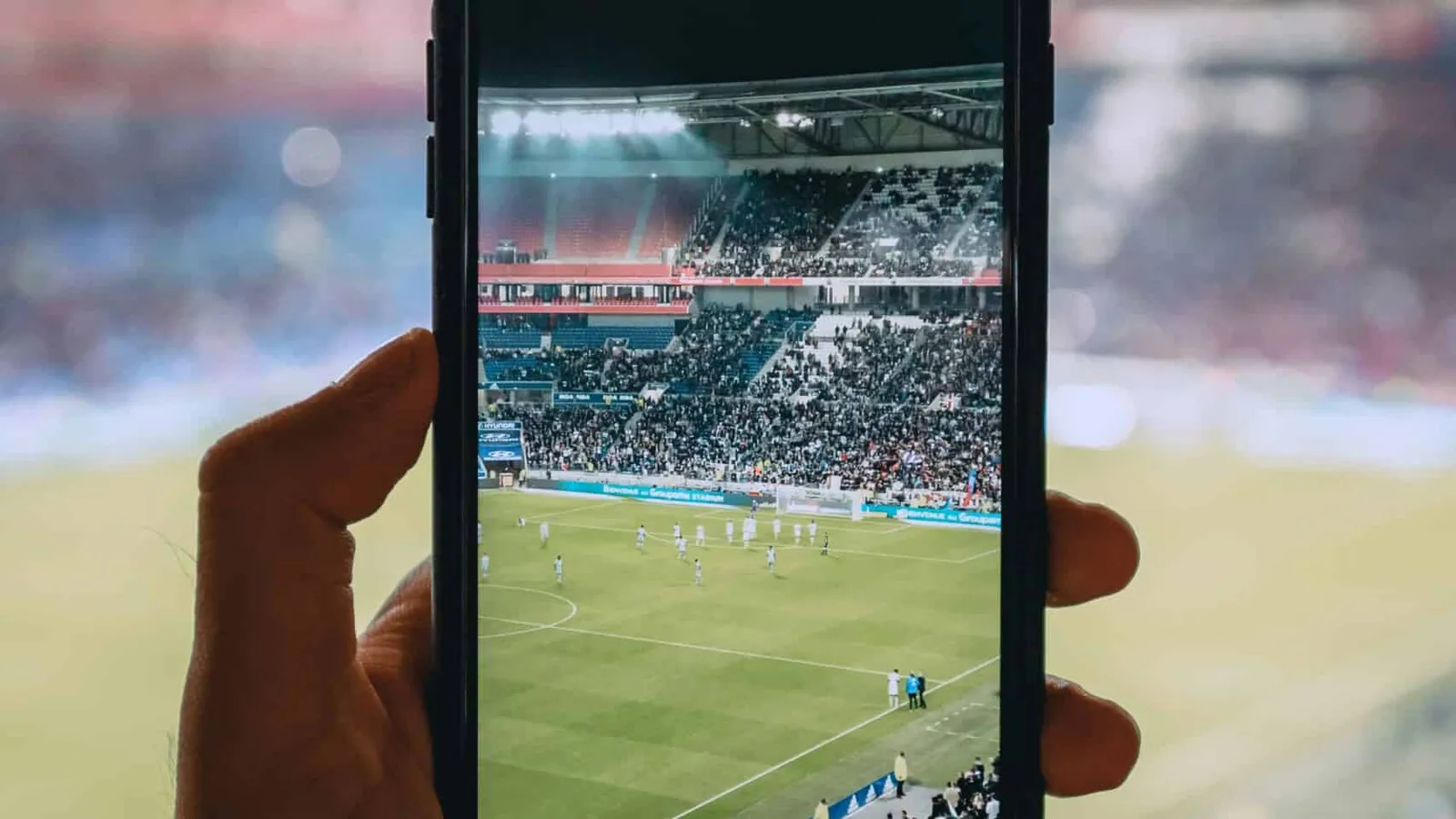
On the one hand, recording a match is a personal pleasure for those who want to relive thrilling moments. On the other hand, phone recordings are a valuable video analysis tool for players and coaches: to analyze, to learn and to share. They can review performances, plan future strategies, and showcase talent to scouts. In this article, we will dive deeper into how phones can be used to record football matches and how we at zone14 can help make this process as easy as 1, 2, 3 with our REPLAY tool.
Recording football matches with your phone
Everyone knows, in their own way, how to use the video function on their phone. Here are some additional steps that make recording football matches with your phone more thorough and yield even higher-quality footage for later video analysis. What that analysis consists of, in the end, is entirely up to you!
Step 1: Buy the right equipment

The process of recording football matches begins long before you arrive at the pitch. It all starts with purchasing the right equipment, in this case primarily the phone you will use, but also any accessories that make your work easier. Think of a tripod or mount, a power bank, or additional storage units that will enhance your video analysis. Here are some possibilities for you to consider:
Phones
Apple iPhone 15 | Best all-round smartphone | ~€949
Sony Xperia 1 V | Top camera and resolution | ~€999
Google Pixel 7a | Excellent value for money | ~€349
Tripods or mounts
JOBY GorillaPod | Flexible and versatile | ~€50
Ulanzi ST-03 | Portable stand for on the go | ~€15
Powerbanks
Anker PowerCore | Powerful features | ~€35
Mophie Powerstation | Reliable and portable charger | ~€32
Storage
SanDisk iXpand | Optimized storage for iPhone | ~€50
Samsung EVO Plus | Optimized storage for Android | ~€38
Step 2: Setting up your phone for recording
With the right equipment in hand, your video analysis is now one step closer. The next step is to find the ideal spot for the phone recording and adjust your camera to that position. This is an important step to ensure that post-production runs smoothly (see below).
The footage will need to be stable, well-lit, and captured in good resolution for the best video analysis, for instance with the zone14 REPLAY platform. But more on this later. For now, what is important is that the chosen spot offers a position:
-
With a clear and unobstructed view of the entire playing field
-
Preferably from a slightly elevated point that overlooks the action
-
In which the phone can (in some way) be mounted for the duration of the match
Equally important, if not more so, is that the settings of the camera itself are optimized for high-quality phone recording. This is a must when preparing for effective video analysis. Here are some tips to go by:
-
Newer phones usually have stabilization features to reduce shake, and the tripods mentioned above also help
-
As for the lighting conditions, the general rule is: the brighter the day, the lower the exposure should be to avoid overexposed footage in the recording
-
The resolution should be set to at least 1080p, to ensure that the video footage remains crisp and clear, and a frame rate of 60fps should be chosen for smooth capture
Step 3: Recording the football match

It goes without saying that it is pivotal that the match is recorded properly. It takes place live and only once, so the content is often one of a kind and must be captured as well as possible. zone14 has you covered with our automatic AI camera as part of our pricing packages, but this step-by-step guide will help you master recording the match on your phone.
If you then want to analyze your phone videos with the REPLAY tool, you are in the right place. It is your one-stop shop for uploading your own recording, storing it in our cloud and analyzing it from wherever you are.
The first key consideration is how to frame your shot:
-
Frame the shot so that it covers as much of the field as possible, making sure that the ball and key players are always in the picture, while keeping the camera stable
-
When that is not possible, pan across the pitch as smoothly as possible, ideally with the camera mounted. In addition, try to anticipate what is about to happen and move the camera in advance
The second key consideration is the choice of optical or digital zoom so the quality of the phone recording doesn’t suffer. Here, too, keep the later video analysis in mind. Consider that:
-
Excessive digital zoom often leads to pixelation and loss of detail, because the camera crops a portion of the frame and enlarges it back to size at less than the original quality
-
Optical zoom delivers higher quality, capturing close-up shots without any loss of clarity or sharpness
A final consideration is recording audio to improve the match-day experience. There are a number of external microphones that capture sound more effectively. As for the phone itself, keep in mind that:
-
It should be placed as sheltered from the wind as possible
-
The internal microphone should face the playing field
Step 4: Managing your files for video analysis
While a very handy solution at first glance, recording football matches on a phone requires a substantial amount of storage, around 2GB for a 90-minute match at the suggested 1080p resolution. There are plenty of options, from cloud storage services to external hard drives, both of which provide ample storage and easy access to previous recordings. Some of them are listed above.
Step 5: Heading into post-production
For this step, it is important to store the recorded content properly and ideally label it, so you have more time for video analysis. A number of programs help you edit your phone recordings, including:
For Apple
iMovie | User-friendly and easy-to-use | Free!
Filmora | Some advanced features | ~€80
Final Cut Pro | Professional-grade tool | ~€250
For Windows
Shotcut | Open-source and free-to-use | Free!
Filmora | Some advanced features | ~€80
Adobe Premiere Pro | Absolute top caliber | ~€240 per year
However, we at zone14 take video analysis one step further with our REPLAY software, which facilitates every step of the post-production process for you. After you upload the footage from your phone to our cloud, REPLAY lets you tag important scenes, sort them into playlists and share the best moments with team members and fans alike. A first step in elevating your game with zone14!
Step 6: Sharing content on social media
Once your content is edited and finalized, sharing it on social media platforms is an important next step to increase reach. Posting highlights and behind-the-scenes moments on platforms such as Facebook, Instagram and Twitter/X can significantly increase your audience’s engagement.
To track the growth and performance of your posts, the Facebook Business Suite from Meta provides detailed analytics for Facebook and Instagram, while SuperX offers advanced tracking and insights for Twitter/X. With these tools, you can monitor engagement, follower growth and the performance of your content and receive valuable feedback to refine your future posts and content strategy.
How can we help?
There are a number of adequate video editing tools available on the market, yet we at zone14 are convinced that we have the ideal solution to meet your needs! We know that recording football matches on your phone is popular because it works, which is why we developed video analysis software for you: zone14 REPLAY. An all-in-one platform where you upload your footage to our cloud, analyze your phone recording with our built-in tools and then share it with others.
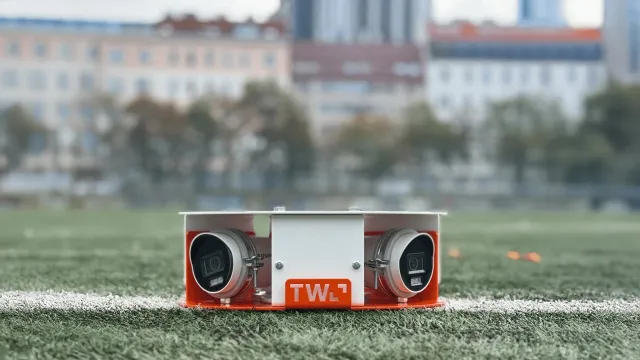
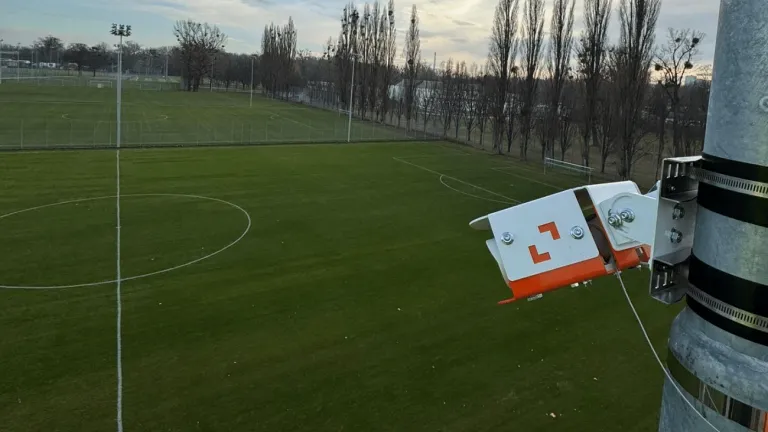
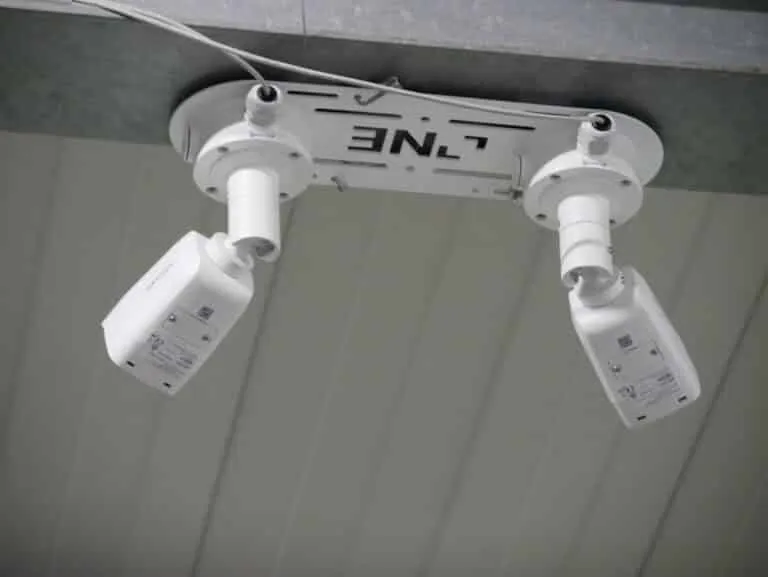
But that is not all! We have a range of more advanced solutions that we would like to highlight here, starting with our CORE package, which includes a camera mounted directly at your pitch: our zone14 TWO. With its two 4K cameras, it takes your game further than you ever imagined. It is mounted at a single installation point and truly suitable for any pitch with its plug-and-play set-up, versatile mounting options, and 180-degree coverage that ensures that no moments are missed.
Conclusion
Recording football matches really can be as easy as 1, 2, 3 for you. In just six steps, you make your equipment work for you and are well on your way to video analysis. Once again, for a quick overview:
- Buying the right equipment
- Setting up your phone for recording
- Recording the football match
- Managing your files for video analysis
- Heading into post-production
- Sharing content on social media
As soon as you are ready to continue your journey on an even deeper level, we will be ready for you here at zone14.